

Shape an idea into images worth keeping.
Create original visuals, remix references, and explore brand directions in one focused workspace.
Reference image
Static images up to 10 MB. AVIF, BMP, and compatible HEIC files are converted automatically.Add a reference image to continue.
Loading models…
8/ 0
Popular styles
Choose a look you love, upload a portrait, and make the style your own.
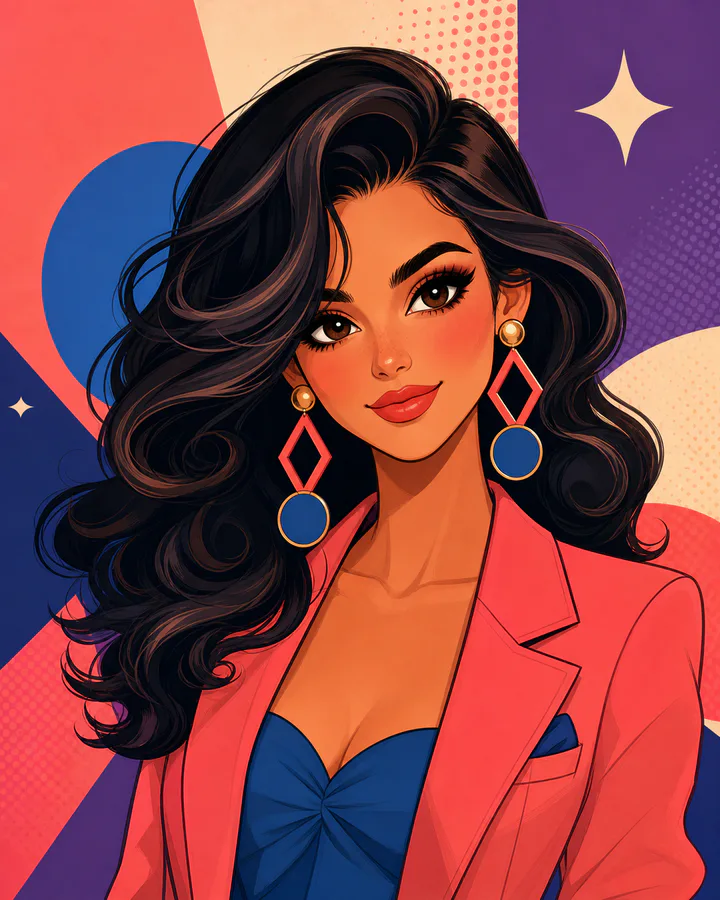
Retro doll pop
Use style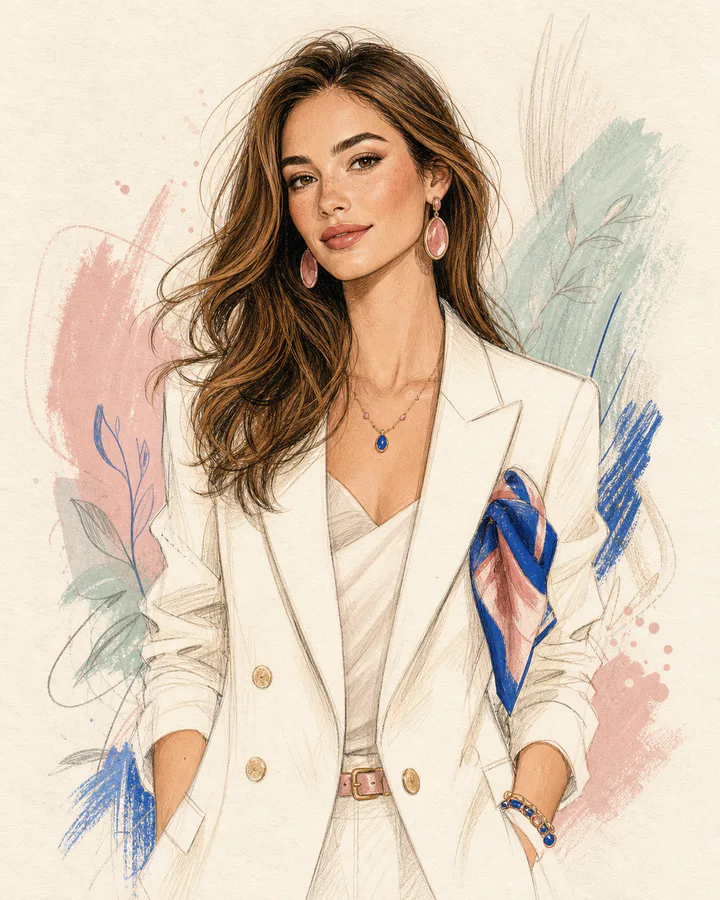 New
NewFashion sketch
Use style
Cozy chibi
Use style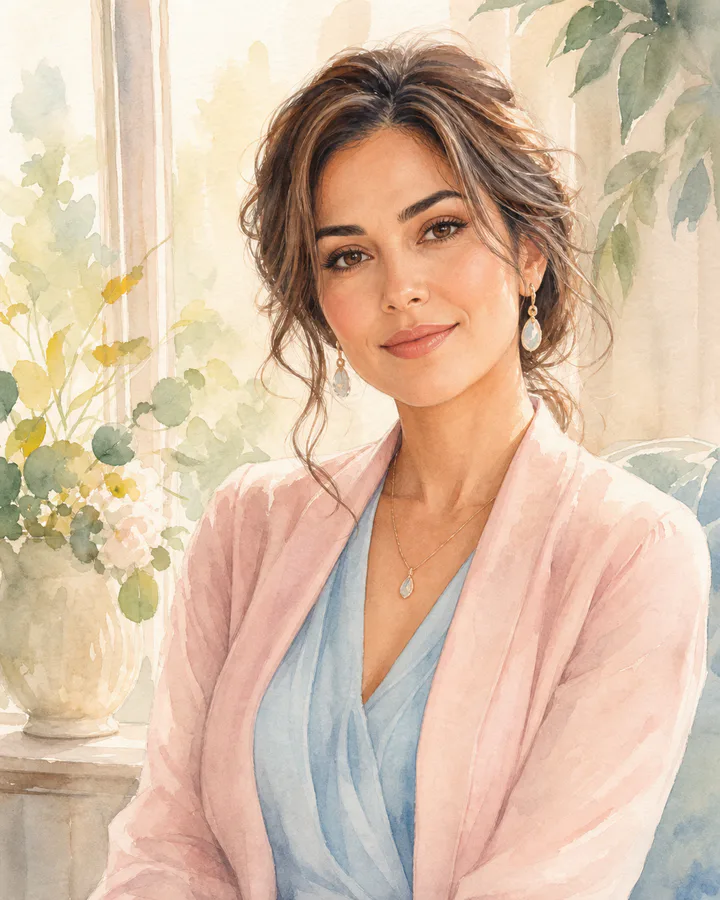
Soft watercolor
Use style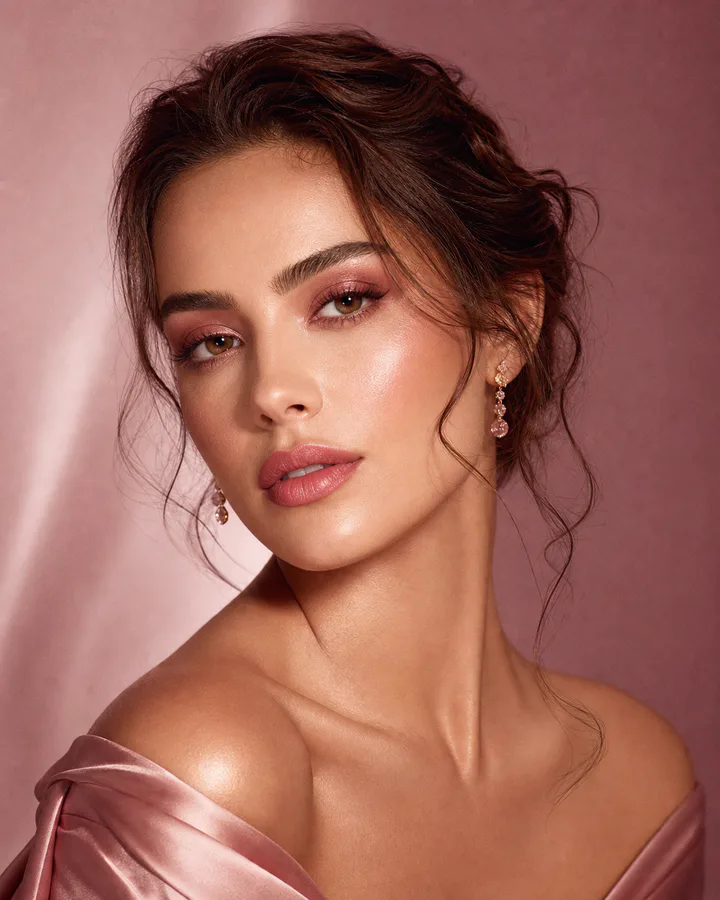 New
NewRose editorial
Use style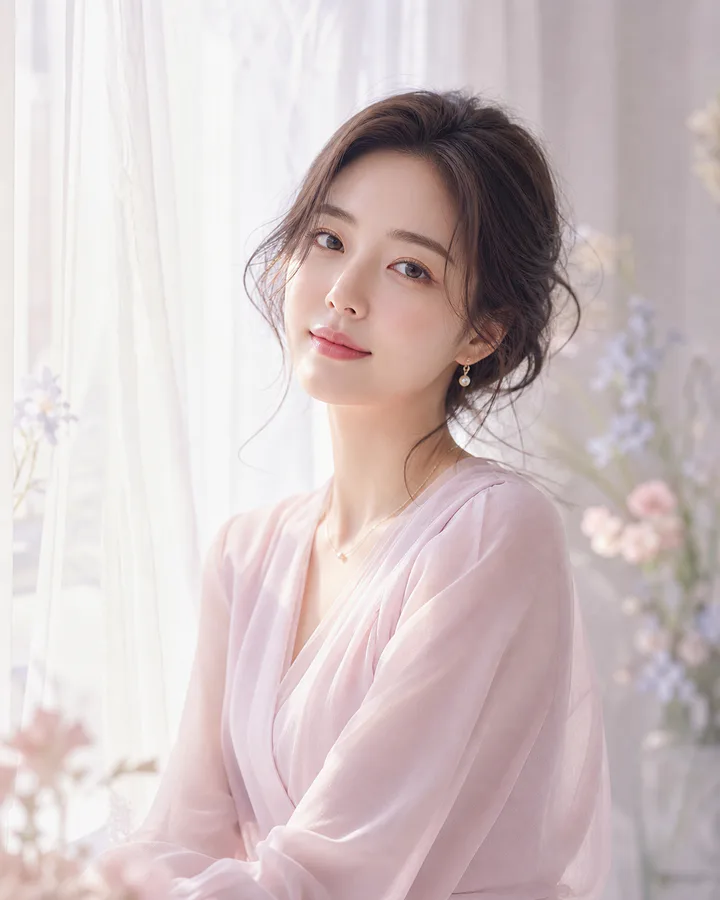
Dreamy portrait
Use style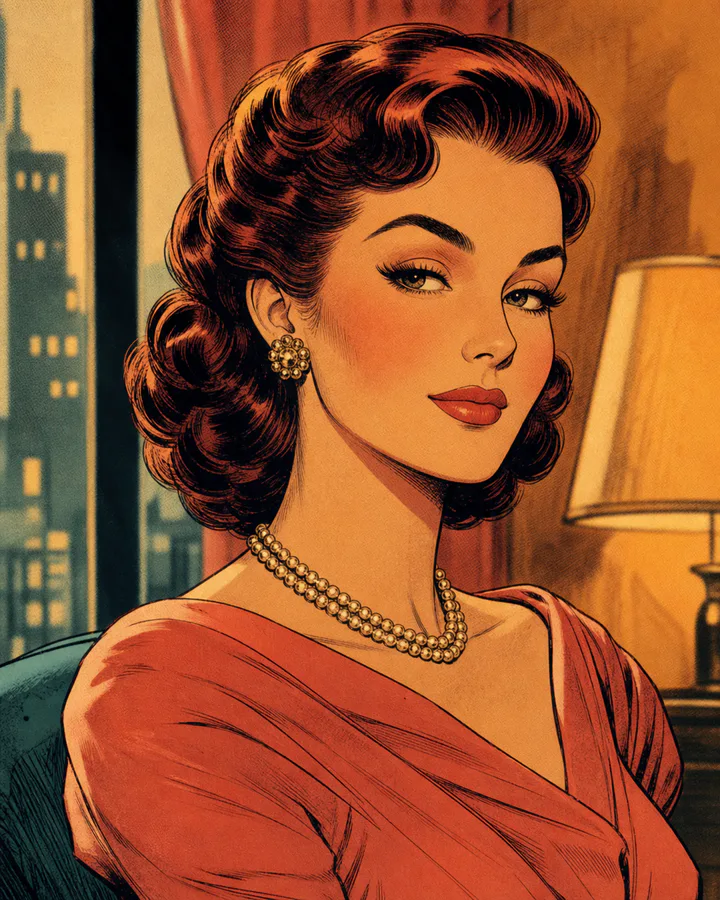
Vintage romance comic
Use style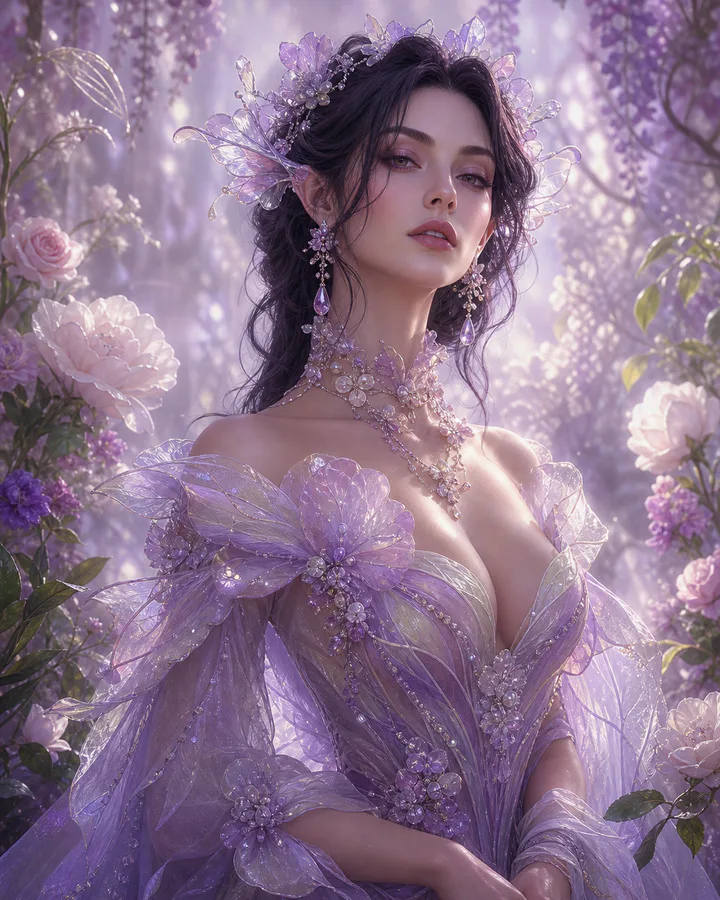 New
NewFairy bloom
Use style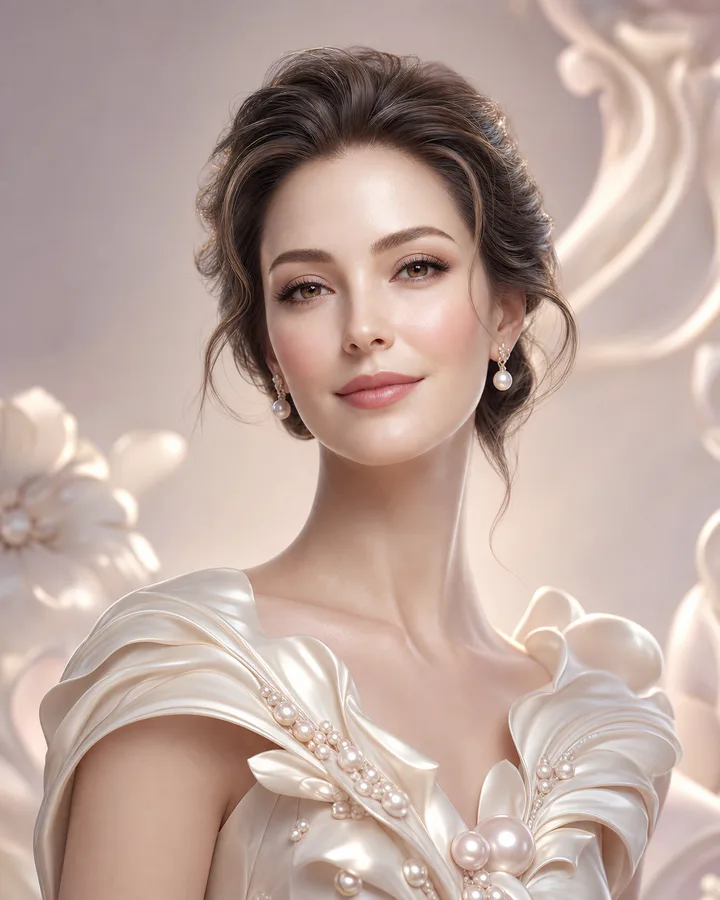
Porcelain 3D
Use style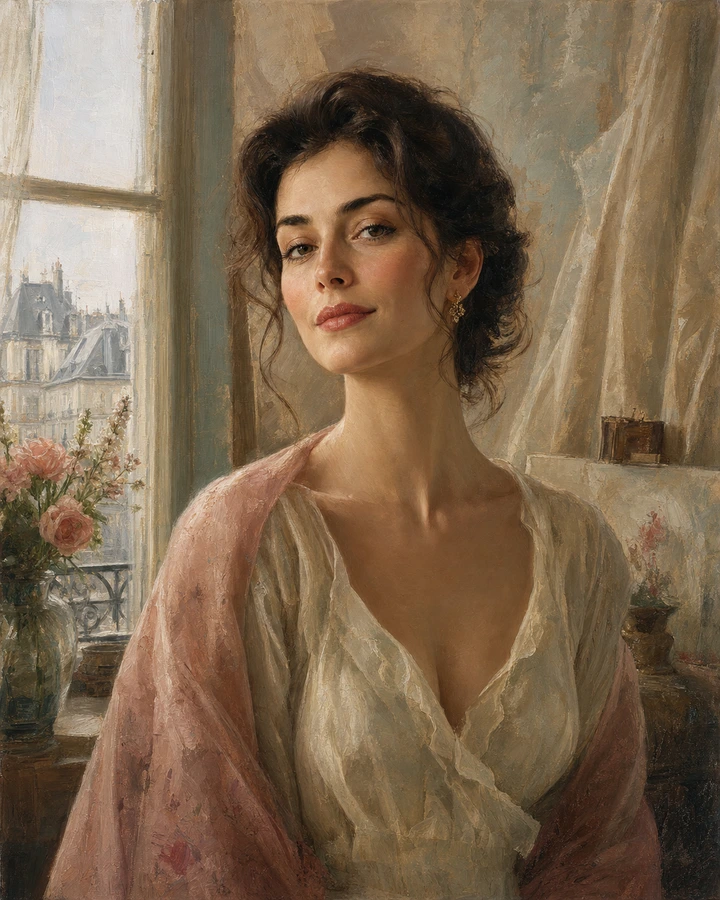 New
NewFrench oil painting
Use style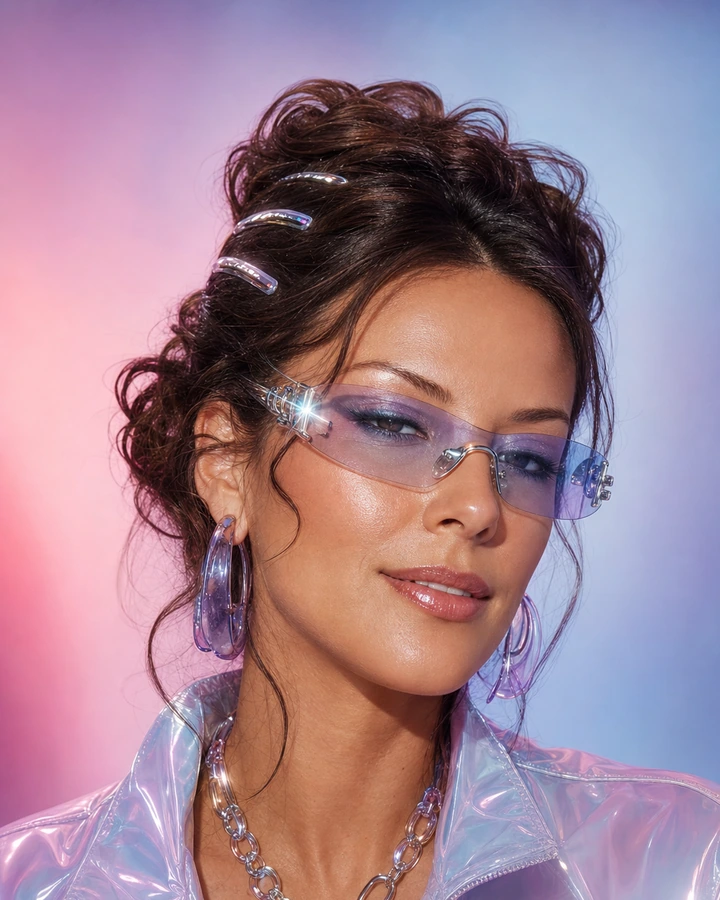
Y2K glam
Use style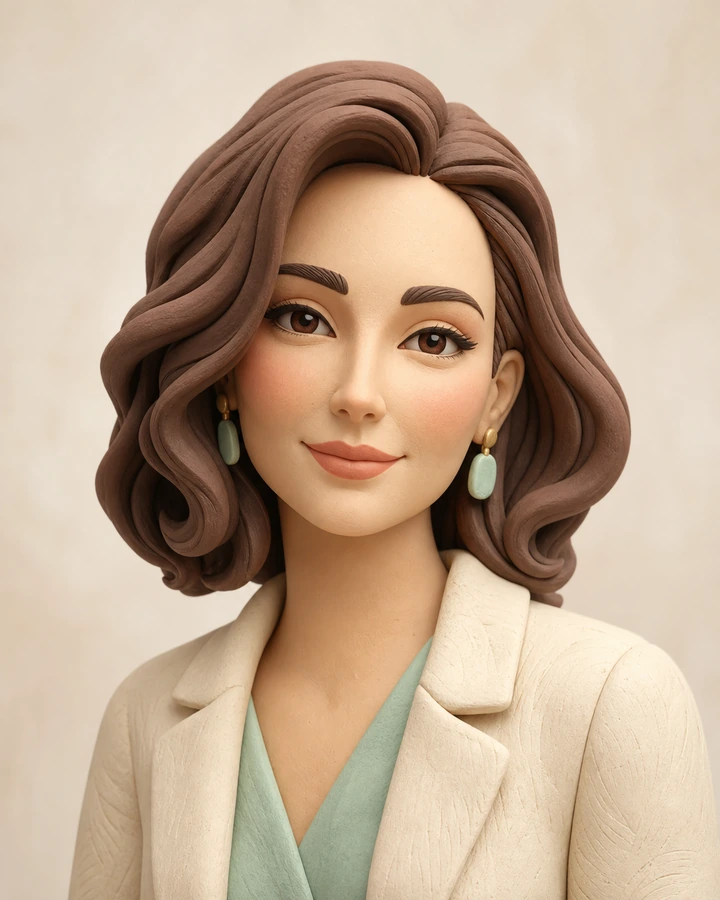
Cream clay
Use style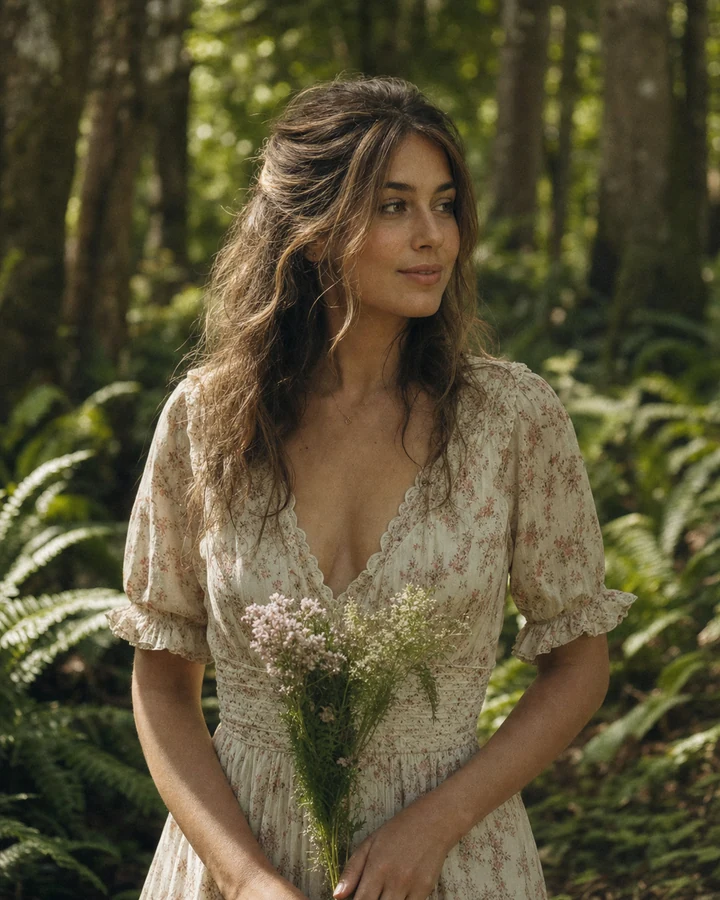
Forest film
Use style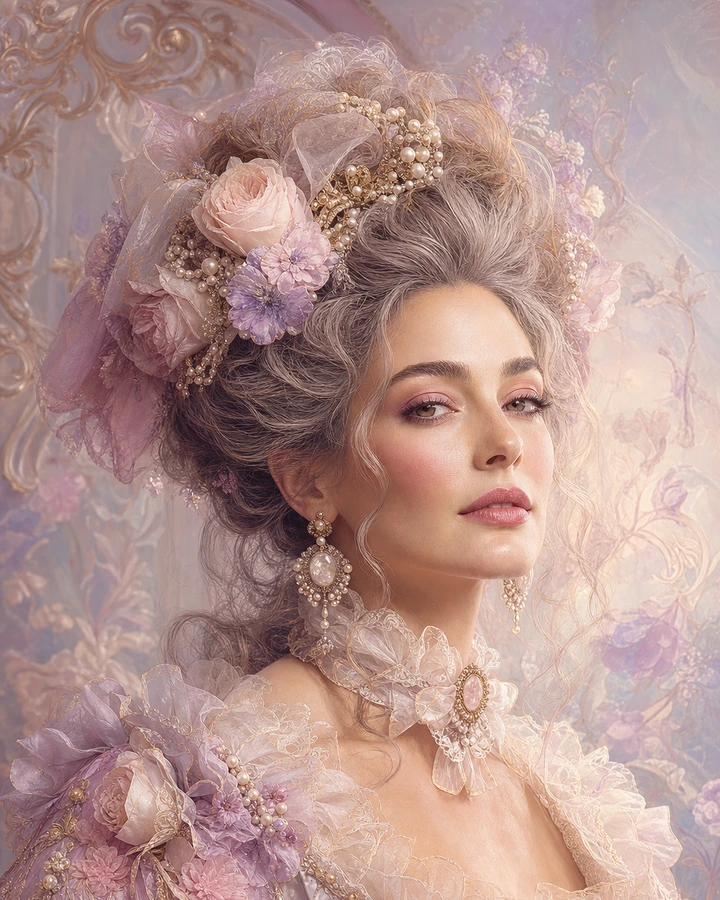 New
NewRococo dream
Use style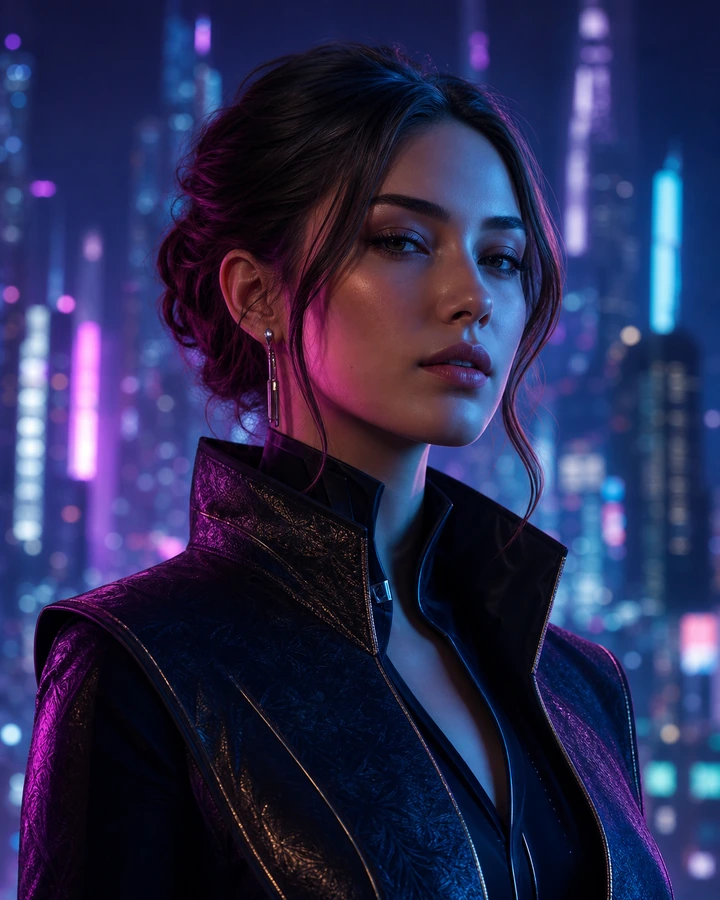
Neon cyber
Use style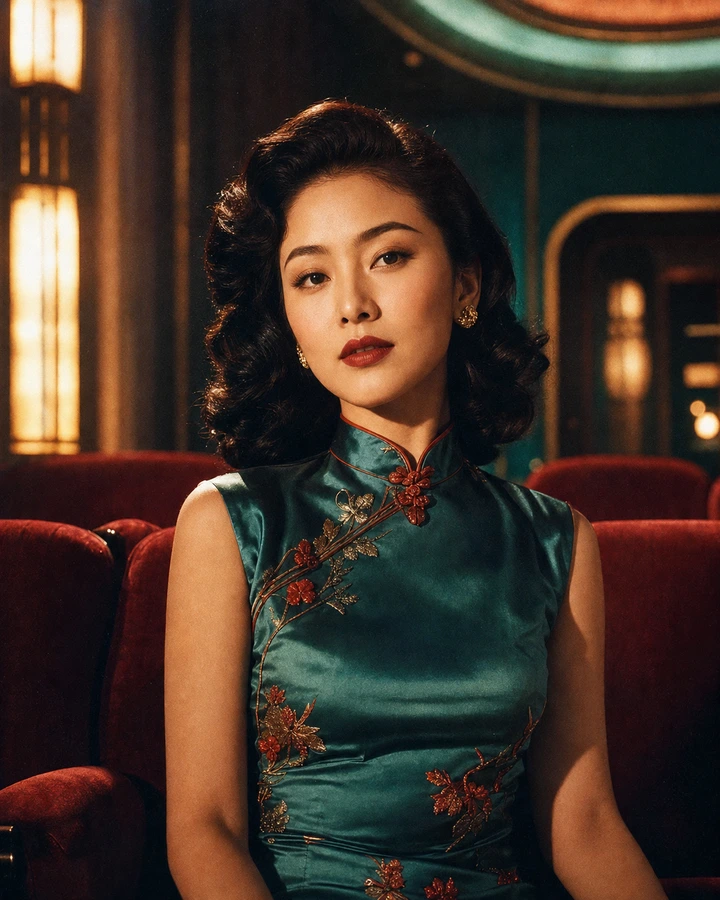
Hong Kong retro
Use style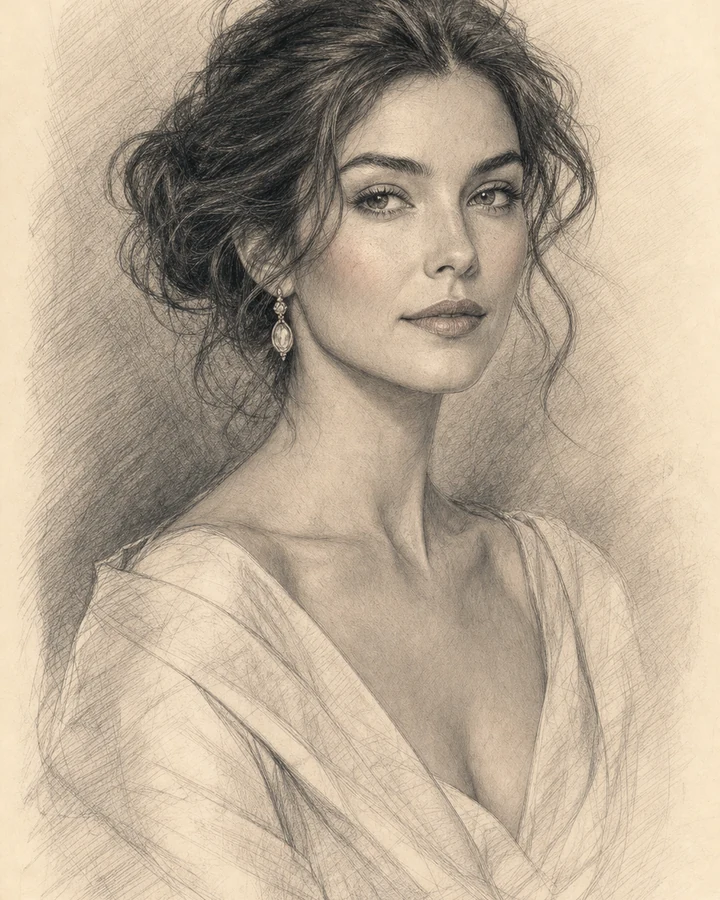
Pencil sketch
Use style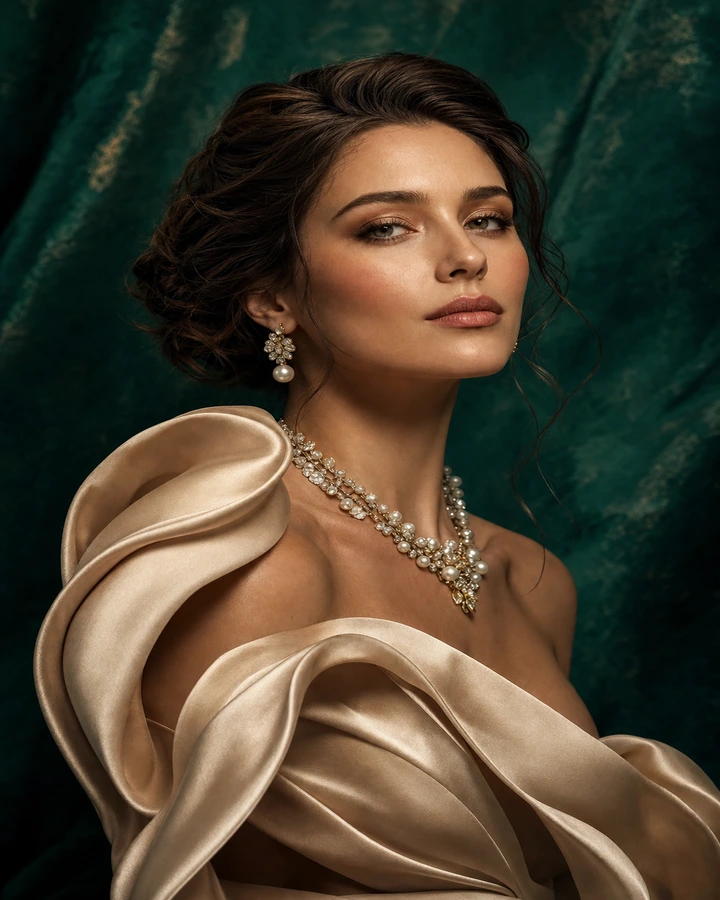 New
NewCouture jewels
Use style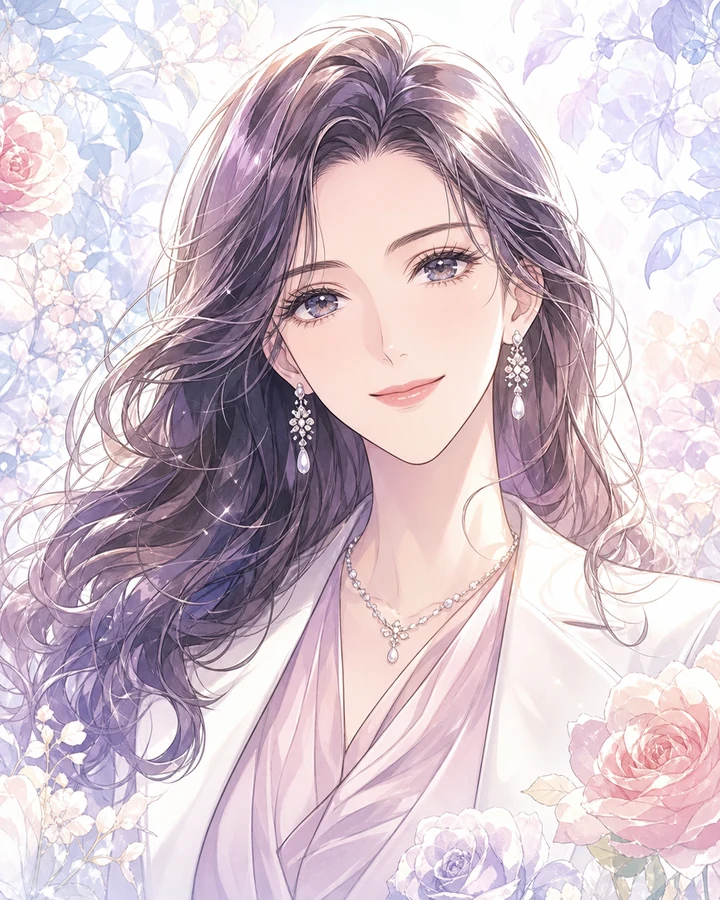
Shojo manga
Use stylePopular AI Templates
Make a little moment your own. Choose a look, upload your photo, and create something lovely.
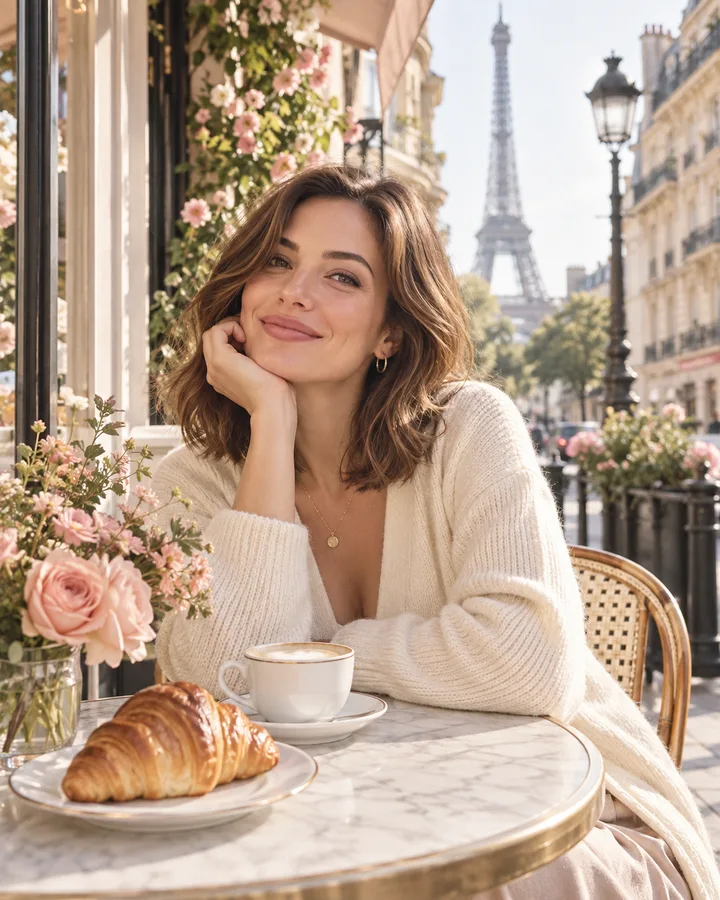
Paris Postcard
Create similar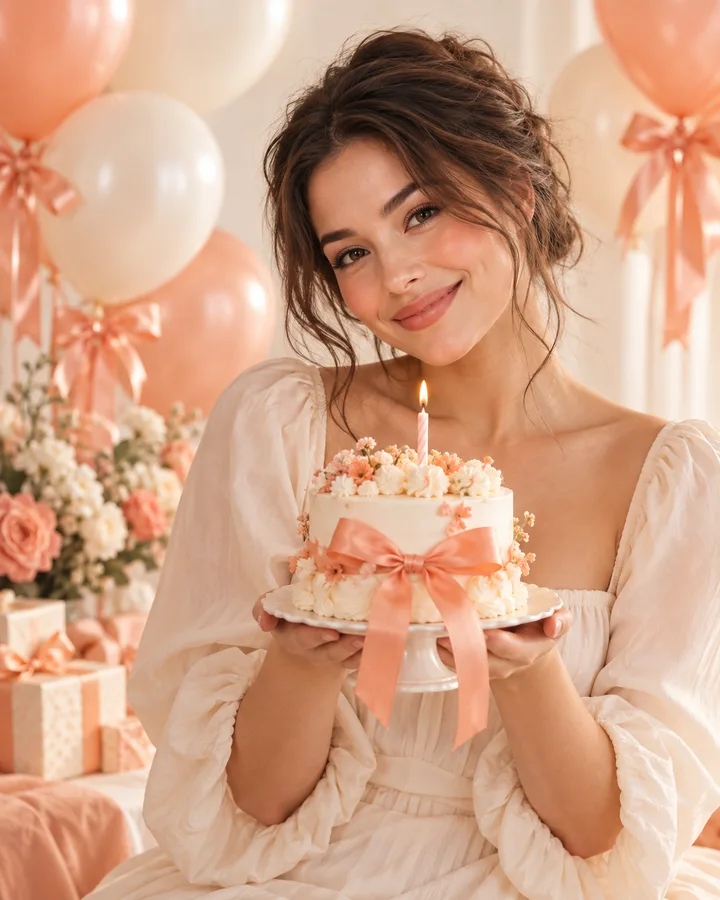
Birthday Wish
Create similar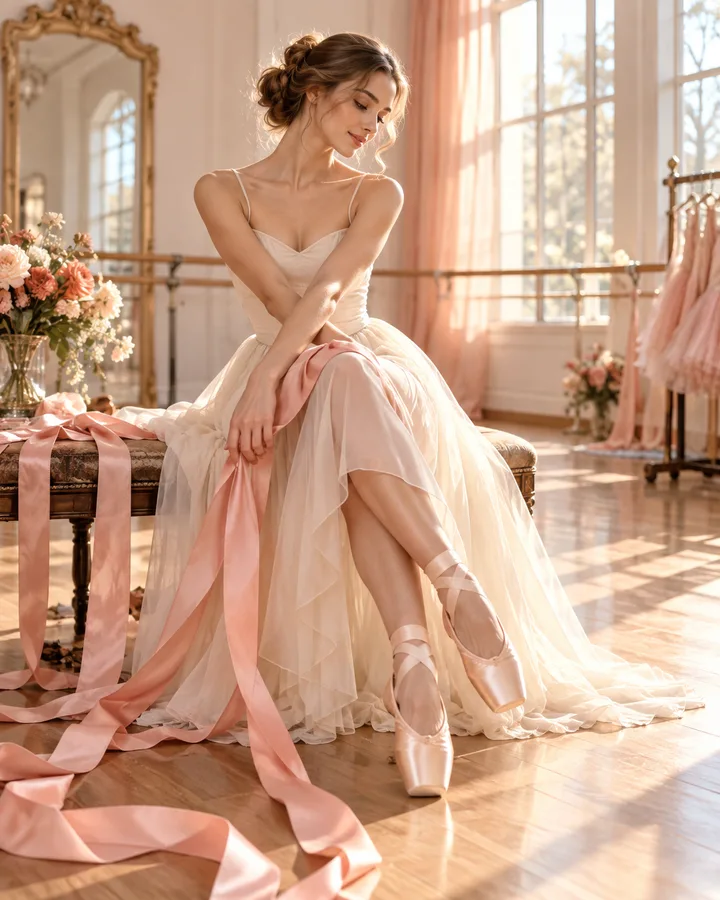
Ribbon Ballet
Create similar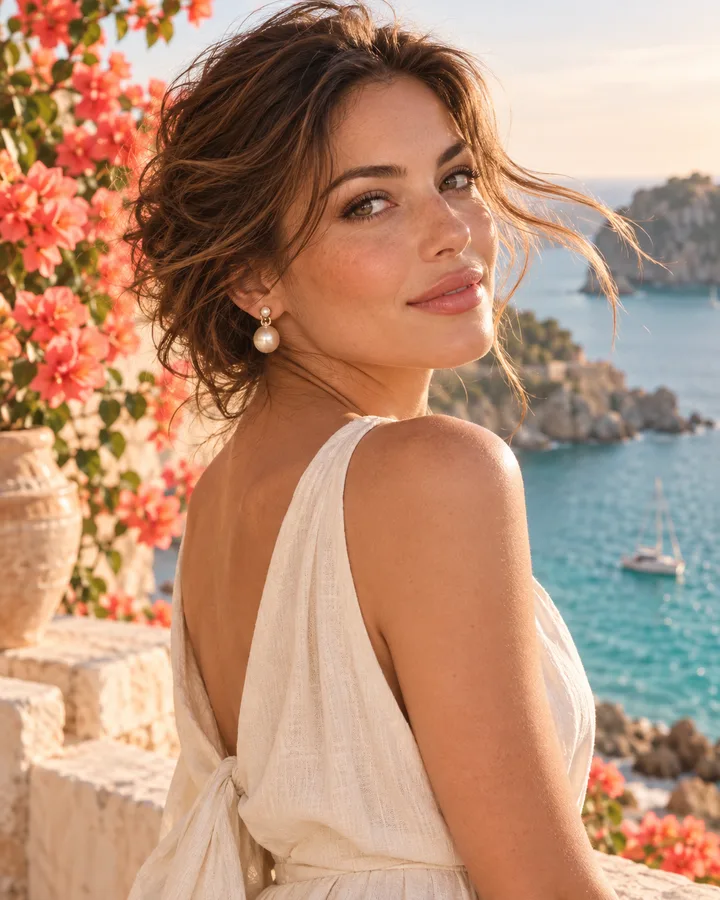
Seaside Pearl
Create similar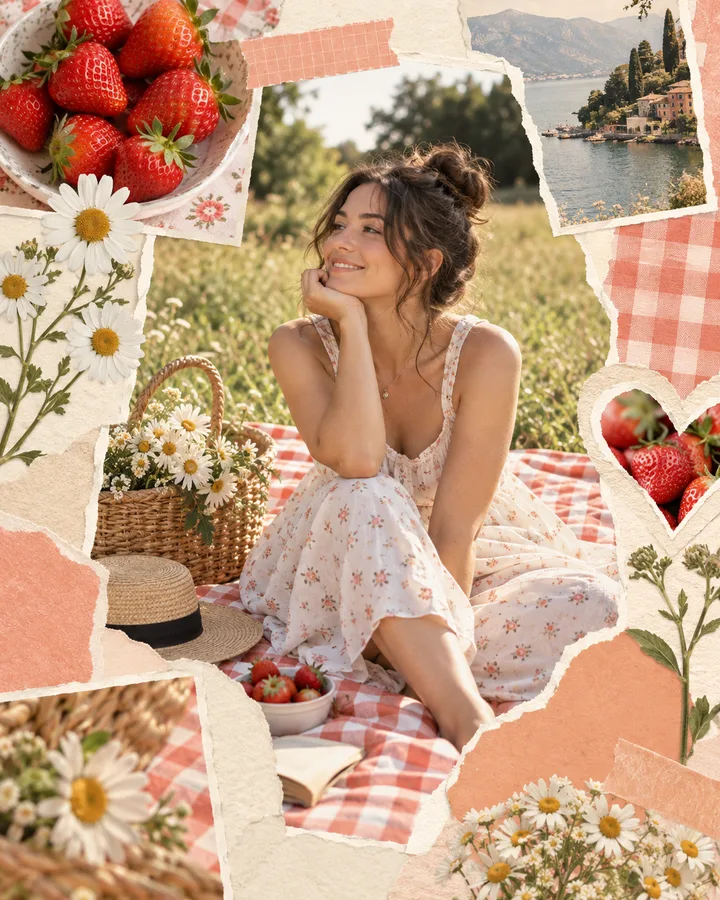
Picnic Journal
Create similar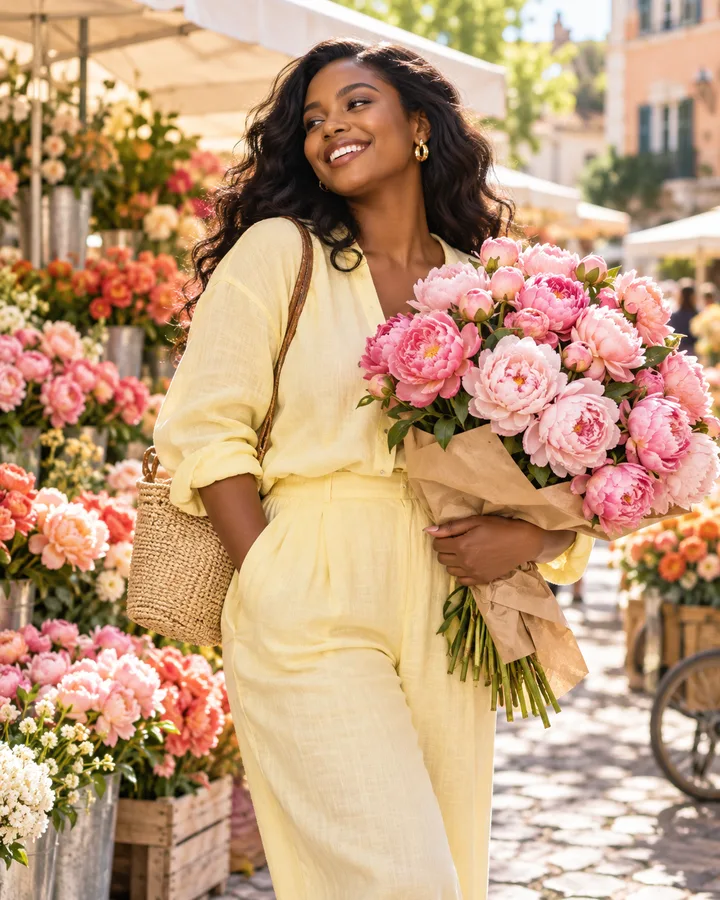
Flower Market
Create similar
Cozy Bookshop
Create similar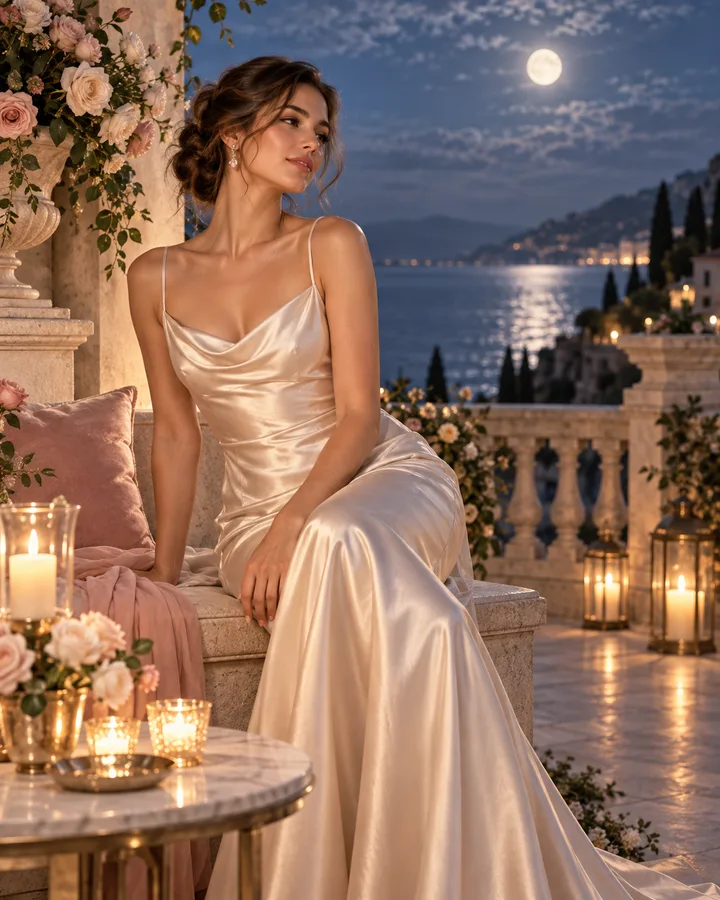
Moonlit Satin
Create similar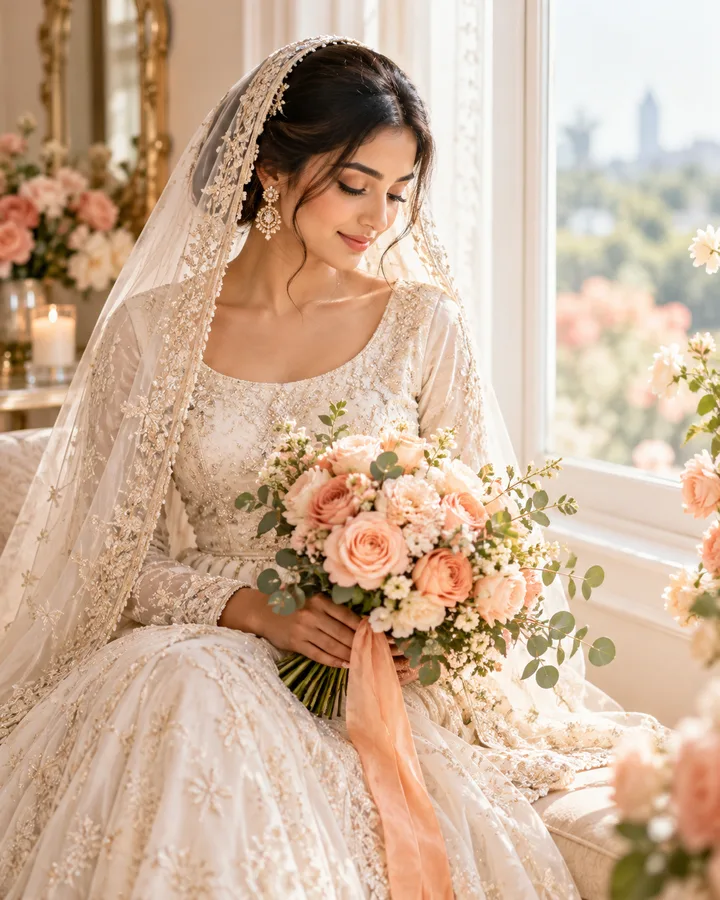
Bridal Morning
Create similar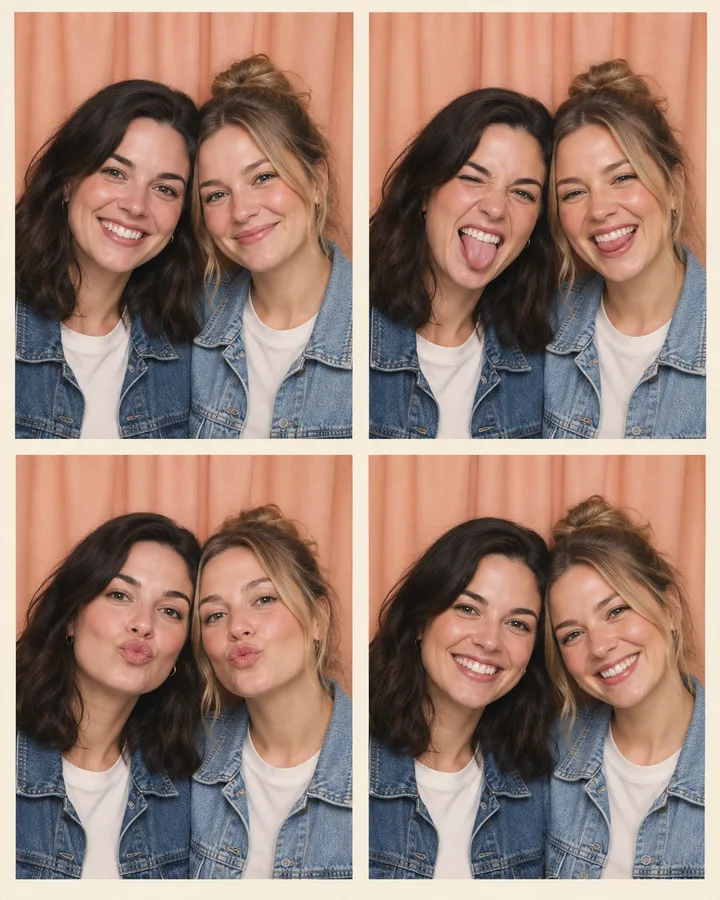
Bestie Photo Booth
Create similar
Pet Cuddles
Create similar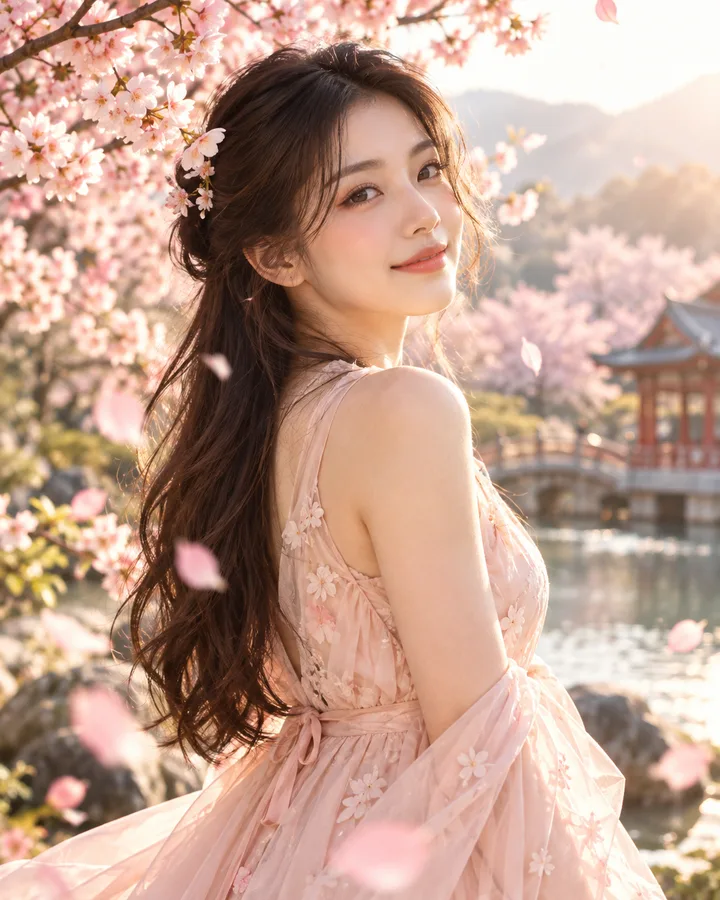
Sakura Breeze
Create similar
Rainy Window
Create similar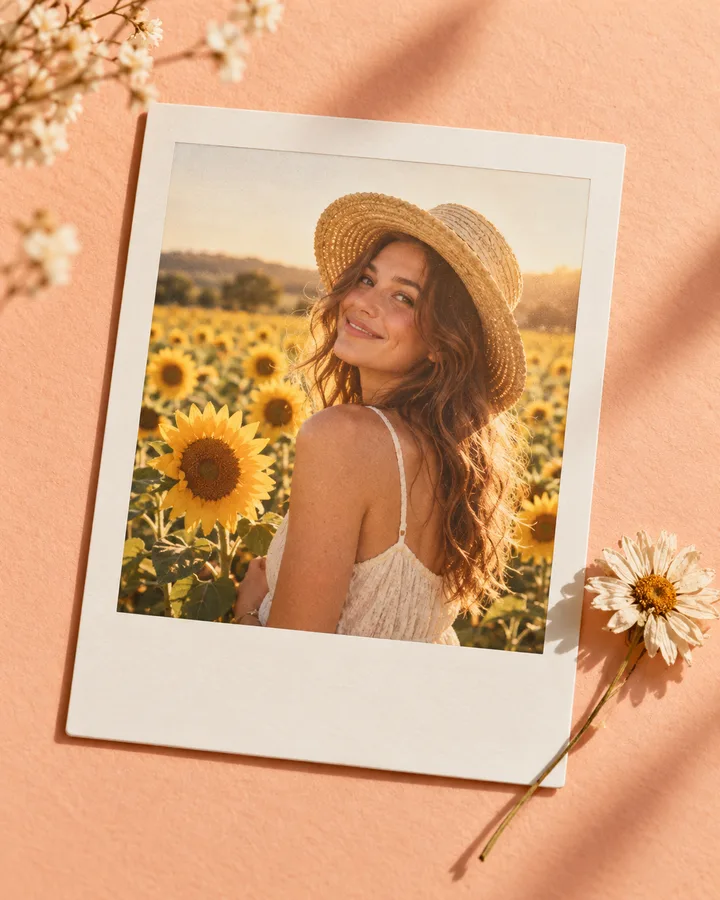
Summer Polaroid
Create similar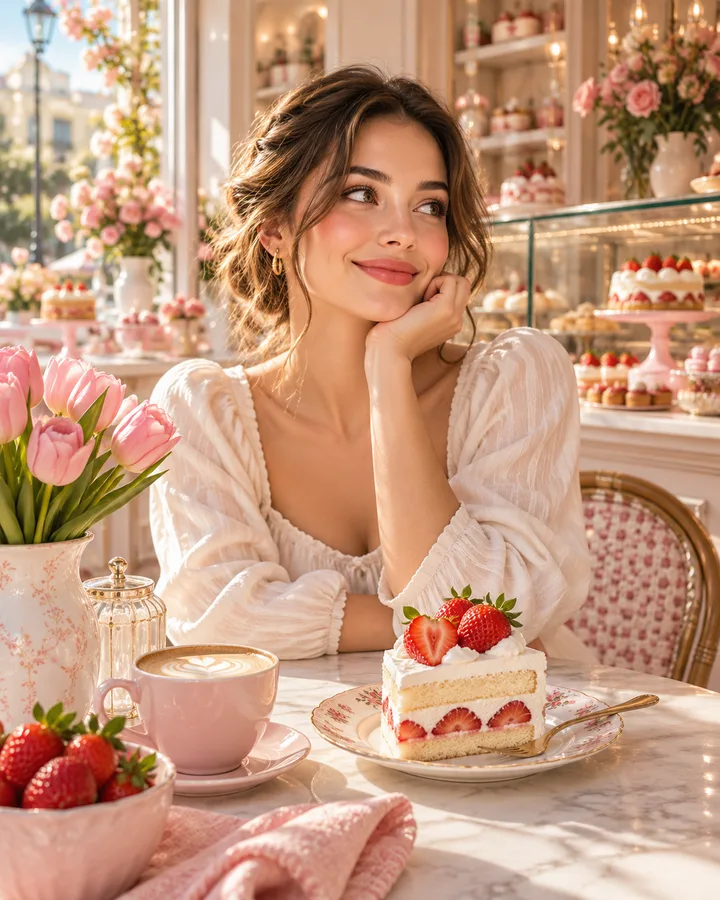
Strawberry Bakery
Create similar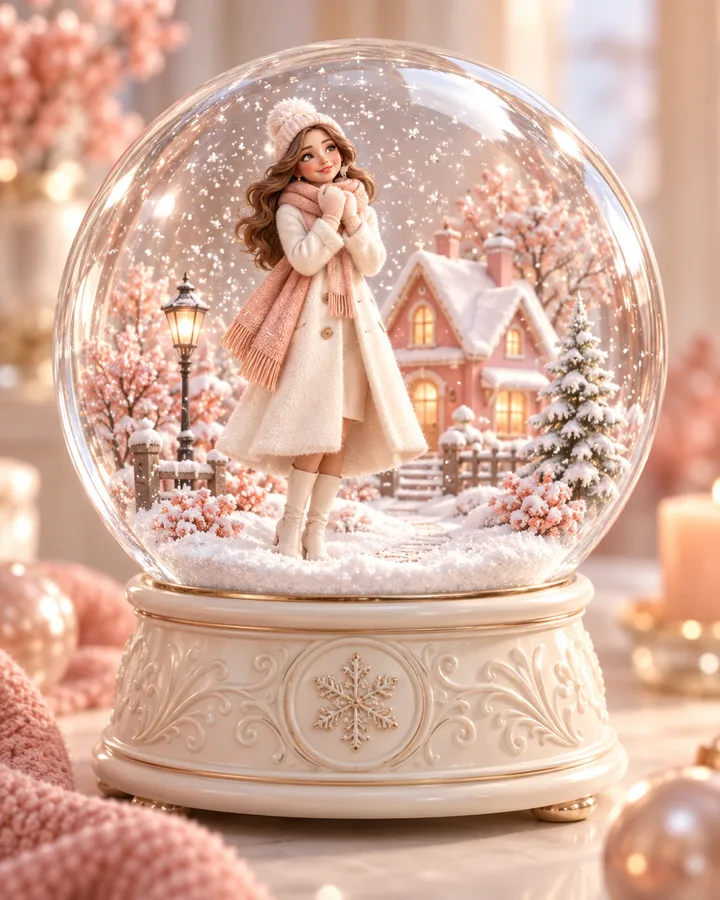
Snow Globe
Create similar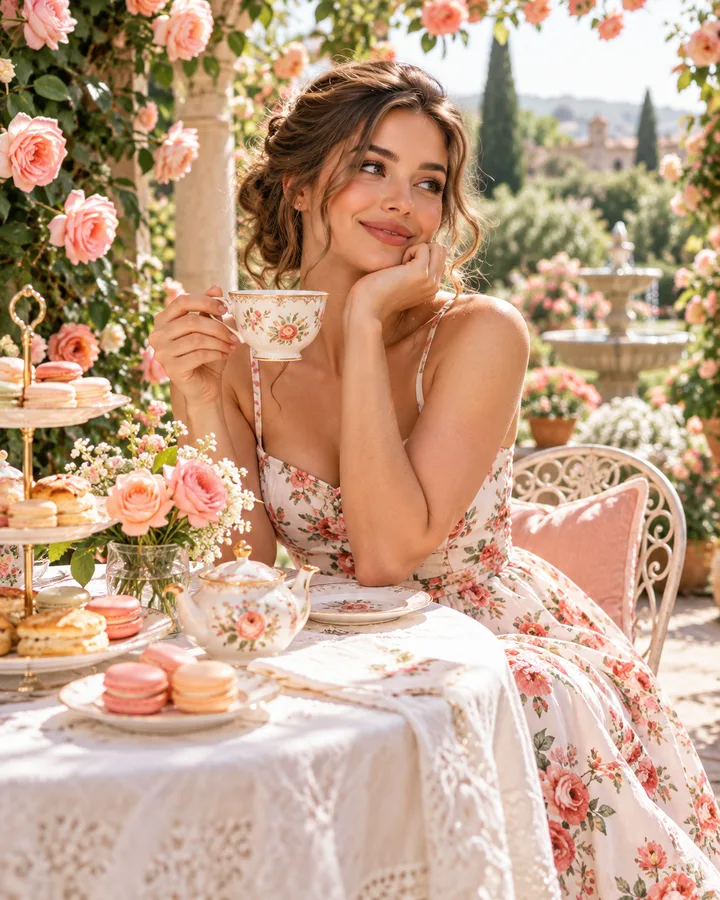
Garden Tea
Create similar
Riviera Holiday
Create similar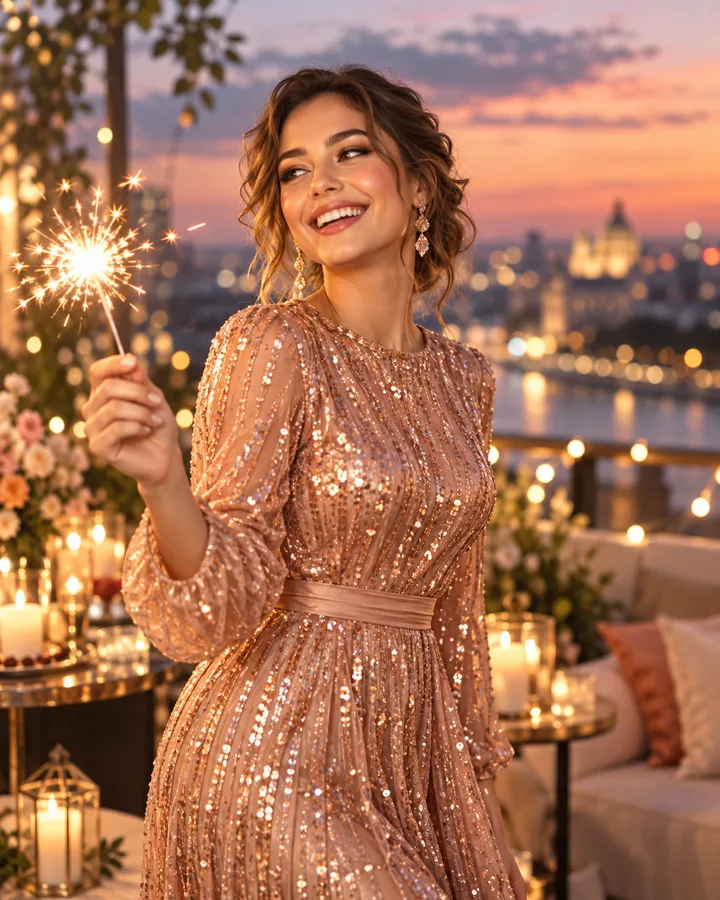
Sparkle Night
Create similar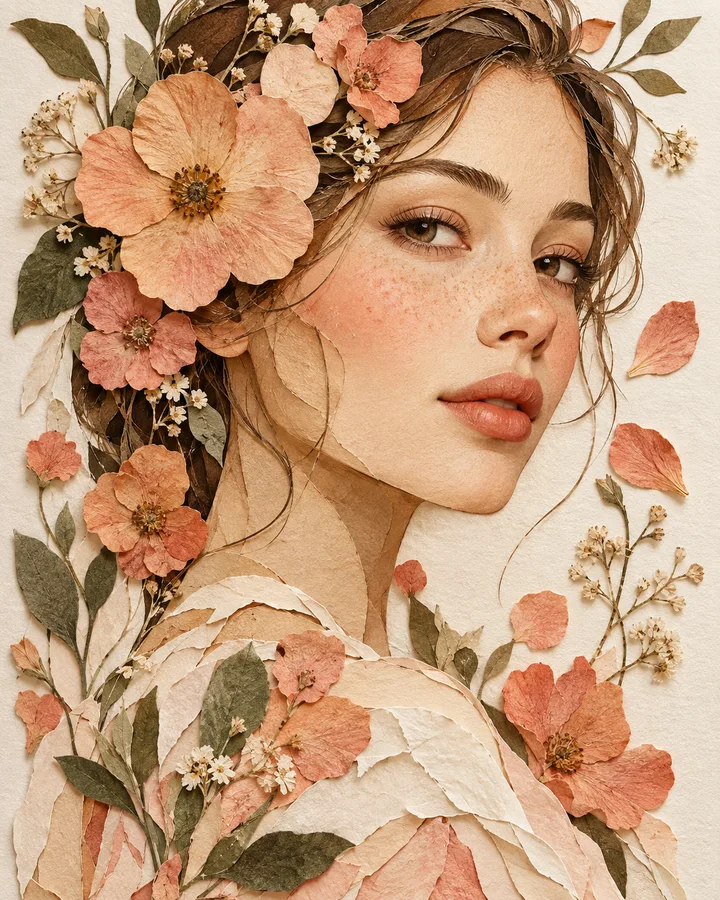
Pressed Flower Art
Create similarStart with a clear direction
Use concrete visual references to make prompts more deliberate and outcomes easier to compare.
 Popular
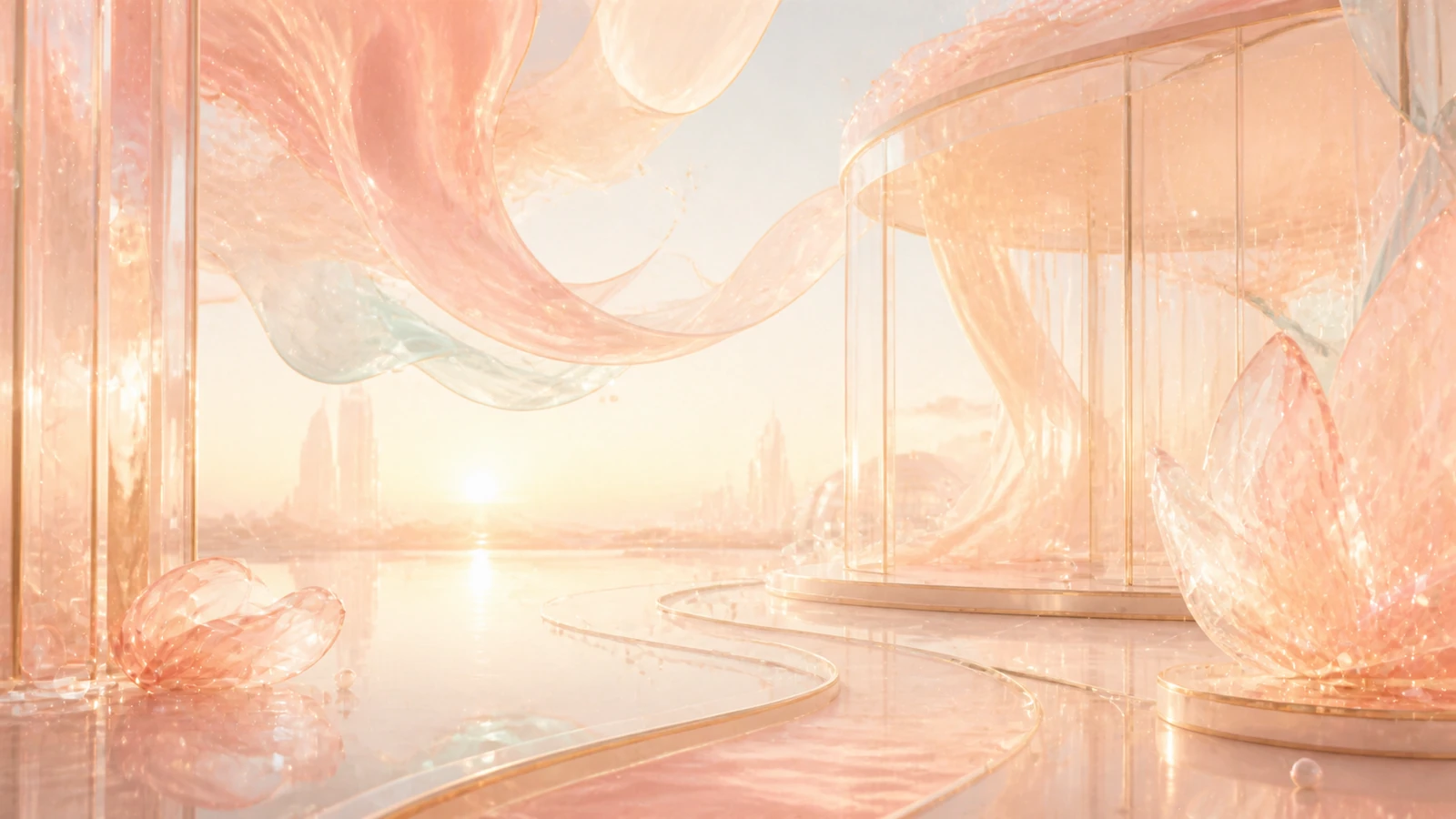
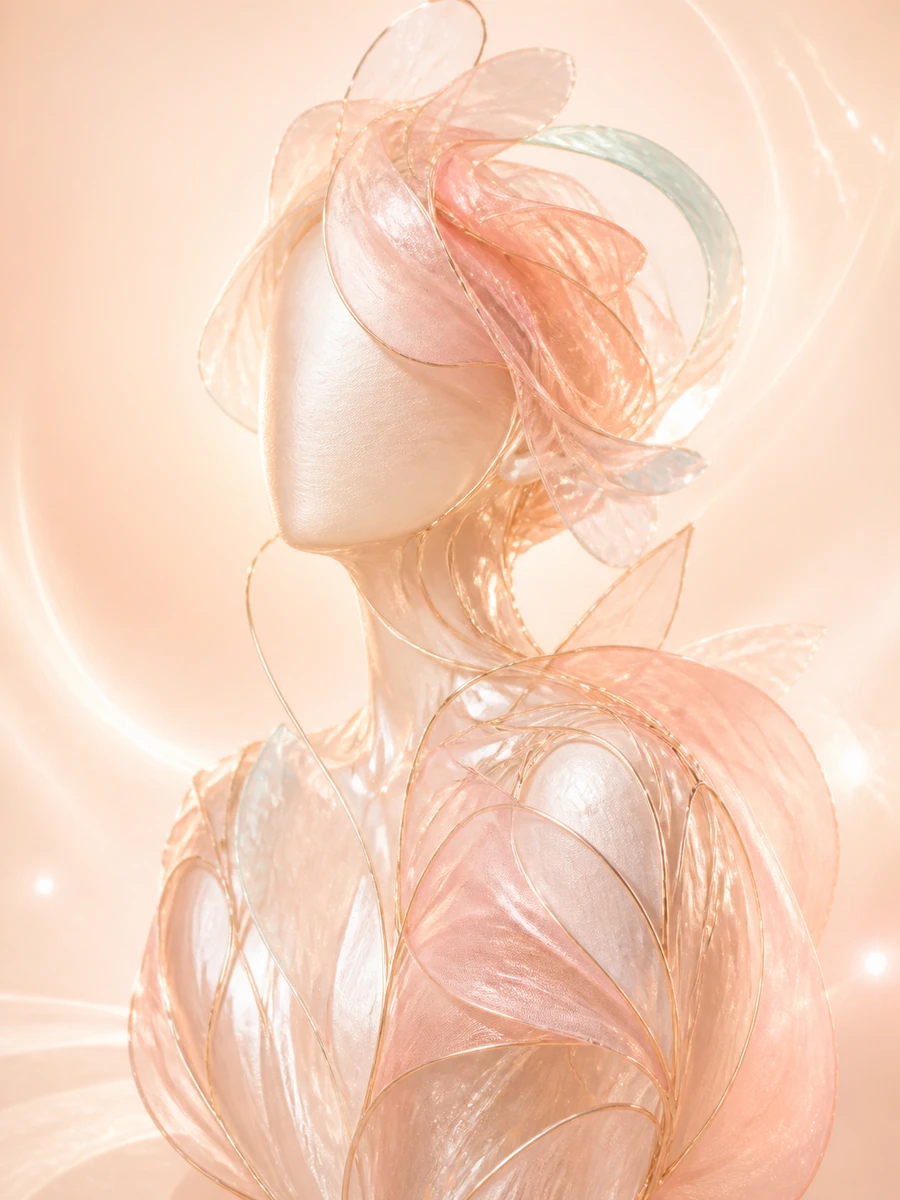
Campaign sceneWide art direction for launches, covers, and visual stories.Create similar
 Popular
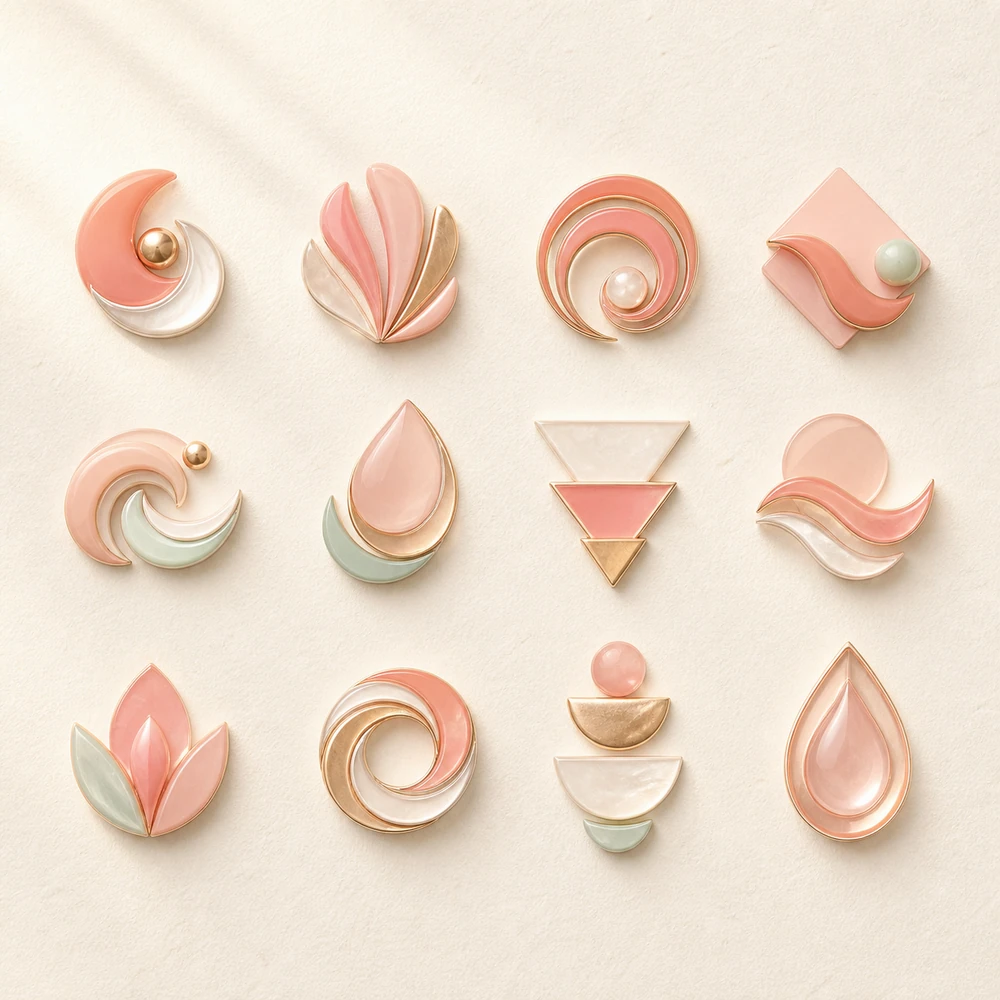
Editorial studyPortrait framing with material, tone, and texture in focus.Create similar
Direct the image, not the interface
A compact set of controls keeps attention on the visual decision you are making.
- Switch formats without rebuilding your prompt
- Keep anonymous draft settings on this device
- See future models clearly marked as unavailable
Use a reference without losing your idea
Image-to-image mode makes the source visible and keeps the next instruction specific.
- Upload JPG, PNG, or WebP references
- Preview and remove the source before creating
- Describe the change in plain language
Questions before you create
Explore the creative workflow, understand model credit costs, and choose the access level that fits your pace.
Does Kivolume generate real images today?
This foundation uses a clearly labeled mock model. It validates the creative workflow without sending prompts to a real model provider.
Can I use a reference image?
Yes. Image-to-image mode accepts JPG, PNG, and WebP files up to 10 MB for local preview and input validation.
Are my draft prompts saved?
Only anonymous prompt, mode, model, and ratio fields are kept in local browser storage. Image bytes and private URLs are not stored there.
How do Trial, Creator, and Studio access work?
Trial costs €0.10 today for 20 credits. Cancel within 24 hours to avoid the first €49.90 monthly renewal; afterward Creator renews monthly until canceled. Direct monthly and €479.00 annual Creator plans are also available. Studio remains waitlist-only with no price.
What happens to my credits after I cancel?
Credits already granted remain available after cancellation. Successful jobs consume credits at the displayed model cost; failed or canceled jobs return the credits committed to them.
What happens if a renewal payment fails?
Renewal credits are granted only after successful payment. We make a limited number of retries; meanwhile the subscription may become past due and you may be asked to update your card. Credits already granted remain available.
Give the next idea a visible form
Start with a scene, choose a frame, and keep the direction concrete.
Start creating